
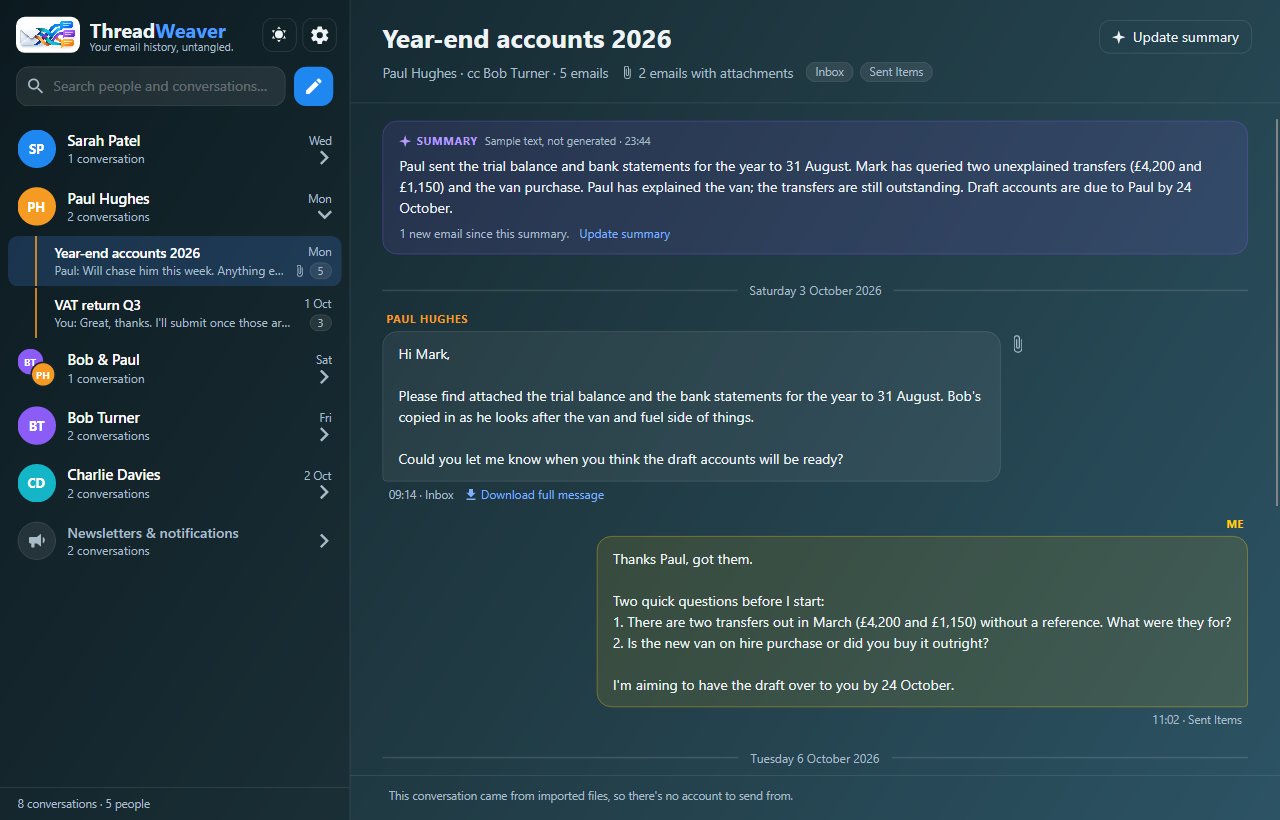
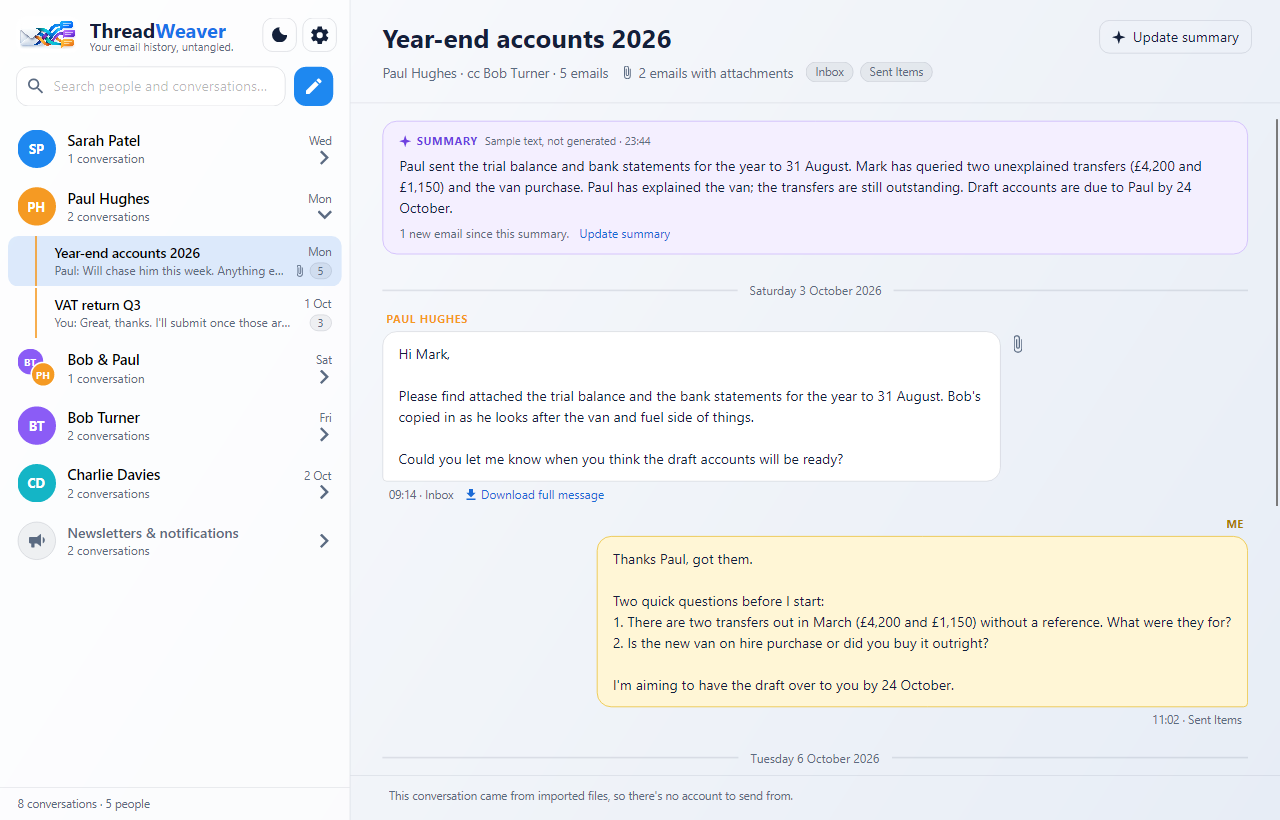
ThreadWeaver is an email app for Windows that shows your mail the way you remember it: by who it was with and what it was about. Instead of folders, the left-hand side lists the people you deal with, each with their conversations underneath. Open one and the whole back-and-forth reads like a chat, with the quoted history, signatures and disclaimers cleaned away.
What it does
- People first, then conversations. Every conversation sits under the person (or group of people, like “Paul & Bob”) it was with. Your own messages are on the right in gold, like a chat.
- Emails become conversations automatically. Replies and forwards are joined up using the email’s own reply information, so a thread stays together even when it was filed in different folders. If it ever gets one wrong, you can split or merge conversations by hand.
- Just the new part of each email. Quoted history, “Sent from my phone” lines, repeated signatures and legal disclaimers are learned and taken off. Hover over a message to see exactly what was removed.
- Fast search across everyone and everything, as you type.
- Newsletters kept out of the way. Mailing lists and automated notifications are gathered into one folded-away row, and you can hide a person or a whole domain.
- Reply and start conversations from the same window, from the account the conversation belongs to.
- Optional AI summaries. One click gives a short summary of a long conversation: what’s agreed, what’s still open, and who’s waiting on whom. Off unless you add your own key.
- Dark and light themes.
Works with
- Microsoft 365 and Outlook.com: work, school or personal Microsoft accounts, signed in through Microsoft.
- IMAP: Gmail, iCloud, Yahoo, Fastmail, your internet provider and most hosted email.
- POP3 mailboxes.
- Saved email: Outlook data files (
.pst), folders of.emlfiles, and mbox files (Gmail Takeout, Thunderbird, Apple Mail).
You can connect several accounts. Each one keeps its own section, and conversations are never mixed between them.
Your mailbox stays as it is
ThreadWeaver reads your mail: it never moves, deletes or marks anything as read on the server, and your folders stay exactly as they are. The only thing it ever sends is an email you write and send yourself.
System requirements
- Windows 10 or Windows 11, 64-bit.
- Nothing else to install: everything ThreadWeaver needs comes with it.
- An internet connection to fetch mail (imported files work offline).
Your data
Your mail is kept in a database on your own PC, not on our servers; we never see it. Passwords and keys go into Windows’ own protected store. Exactly what is accessed, and what is and isn’t sent anywhere, is set out in the privacy policy.
Release notes
Version 0.1.0 (first release)
- Microsoft 365 / Outlook.com, IMAP and POP3 accounts; PST, .eml and mbox import.
- Conversations grouped by person, with search, newsletters and hiding.
- Replying, new conversations, merging and splitting.
- Signature and disclaimer cleaning that learns from your mail.
- Optional AI summaries with your own Anthropic key.